AI Scan
Point your camera at the timetable — get a planner back
The schedule on the classroom wall, the exam sheet from your teacher, the homework list on the board: photograph it and StudyWillow builds the real thing — classes on your timetable, tasks and exams on your agenda. You review everything before it lands.
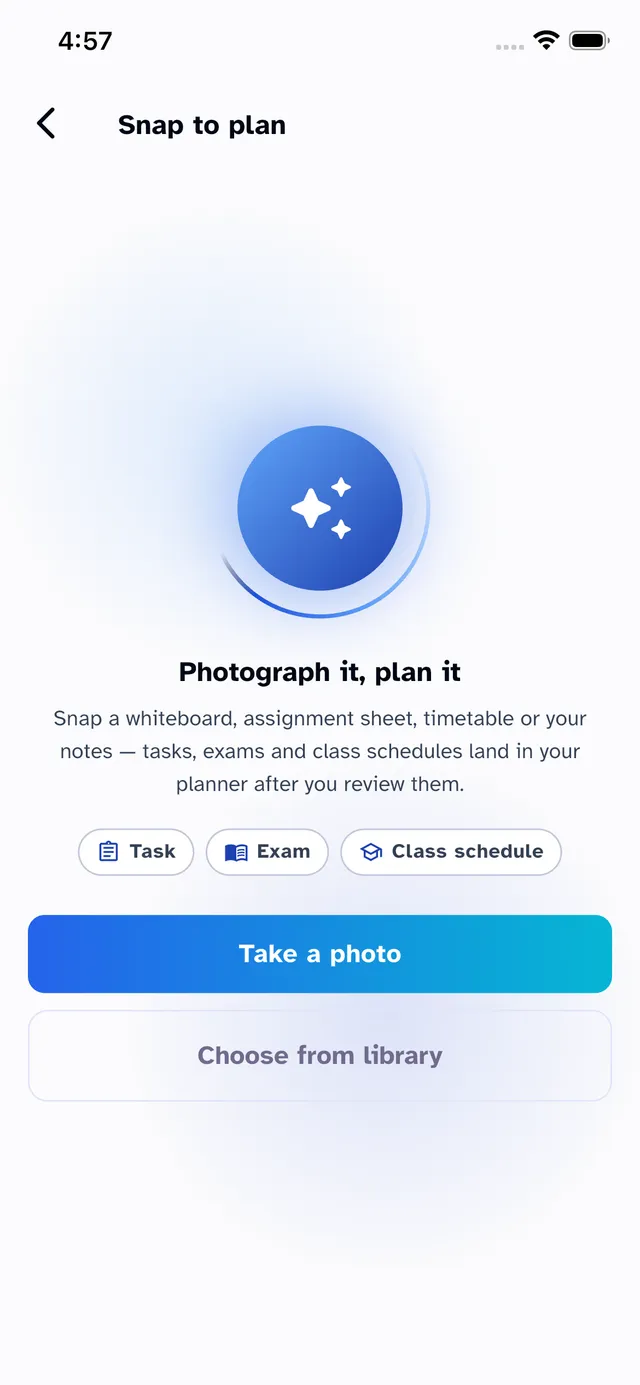
Reads real school documents
Weekly timetables, task sheets and exam schedules — printed or handwritten, in English, Spanish, Arabic, French or German. The AI understands weekday grids, times, rooms and subjects.
You approve every item
Nothing imports silently. Every class, task and exam appears on a review screen first — edit names, fix times, link subjects or drop rows before they touch your planner.
Subjects create themselves
New subjects found in the scan are created automatically with sensible colors, and recognized ones link to the subjects you already track — no duplicate “Maths” and “Math”.
Back-to-back periods, merged
Double periods scanned as two rows merge into one class — and you can split them back with a tap if your school really runs them separately.
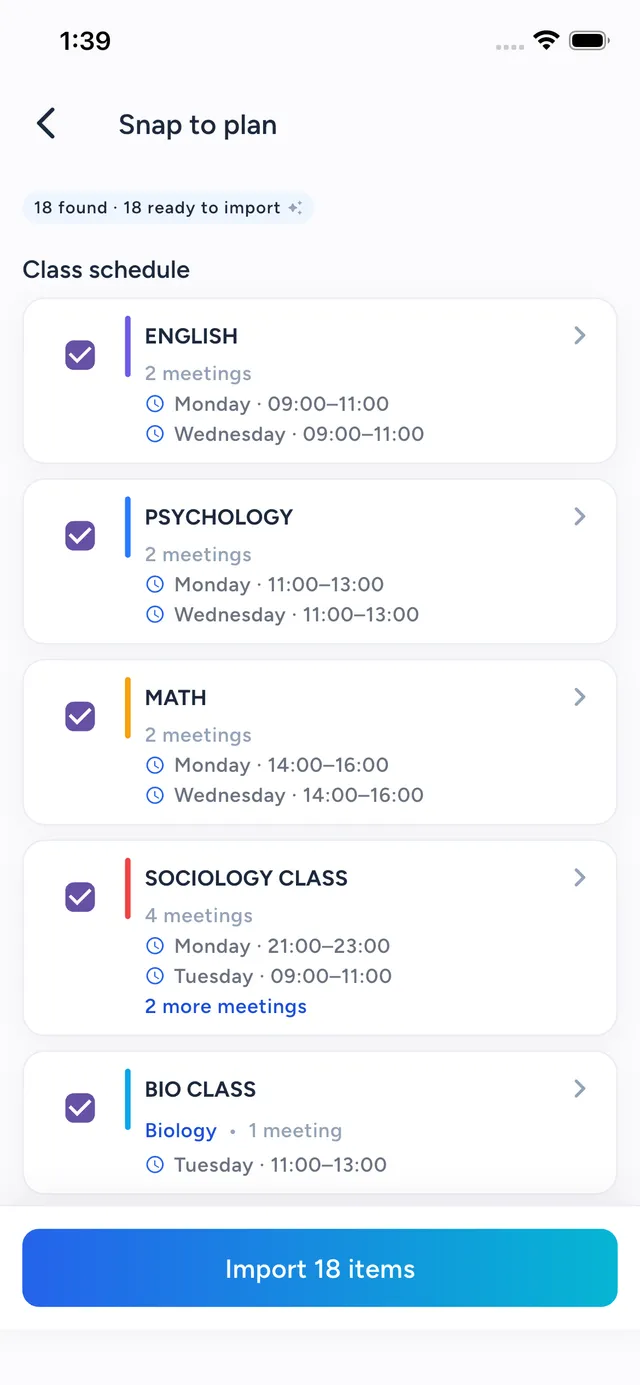
From photo to planned week in under a minute
A scan is only useful if you can trust what it imports. The pipeline is review-first by design:
- A fast model reads the photo; a second, spatially-stronger model re-checks timetable grids
- Uncertain rows are flagged “needs review” and start unchecked — never silently imported
- Dates written as “Friday” or “next week” resolve against your real academic calendar
- Failed rows keep a draft you can fix and retry — successful ones never import twice
Good to know
AI Scan questions
When is AI Scan available?
AI Scan is available now — update to the latest app version on iPhone or Mac. Everything else on this page — timetable, agenda, grades, attendance and focus — is available today as well.
Which documents can it read?
Weekly class timetables (including packed back-to-back schedules), homework and task sheets, and exam schedules — photographed from paper, whiteboards or screens, in English, Spanish, Arabic, French and German.
Does it import things without asking?
No. Every scan opens a review screen where you check, edit and select rows before anything is written to your planner. Low-confidence rows start unselected.
Is there a limit on scans?
Free accounts include an AI scan to try the feature; StudyWillow Pro includes a generous monthly allowance. Scans are processed securely and photos are not stored after extraction.
Try StudyWillow free
Timetable, homework, grades, attendance and focus — one planner that does the whole job. Free to start, on iPhone, iPad, Mac and the web — Android coming soon.
Explore more of StudyWillow