Student timetable
A school schedule app for your real timetable
Build a class timetable around A/B weeks, rotating days or block schedules, with the right room and teacher for every lesson. Use StudyWillow on iPhone, iPad, Mac or online in your browser.
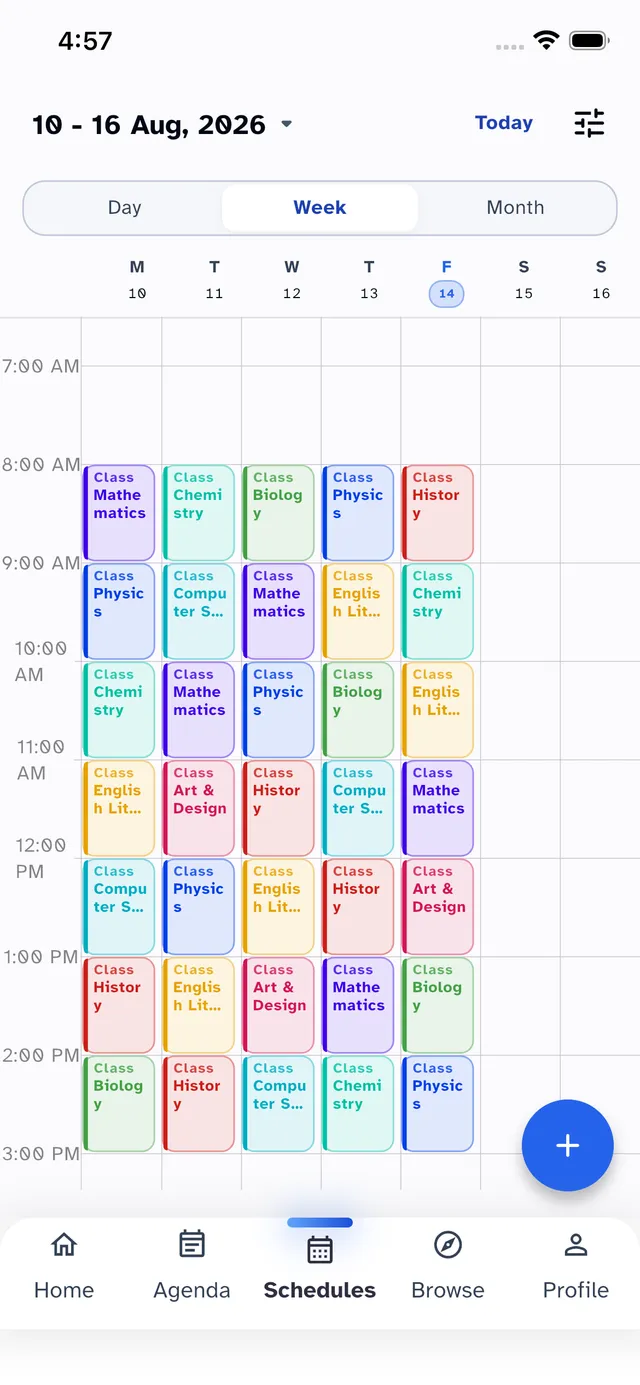
A/B weeks & rotating class schedules
Maths on Monday in Week A, Physics at the same time in Week B? Add both weeks and set the rotation to match your school. Numbered cycles, such as 6- or 8-day timetables, are supported too.
Room and teacher details per class
Keep room numbers, teacher names and notes with each lesson. Check whether today's class is in the lab or the usual room before you leave.
Timetable widgets for your next class
StudyWillow Pro includes iPhone home-screen widgets for your schedule and next class. View lesson details without opening the app; use the full timetable view in your browser.
School holidays and days off
Add holiday periods and breaks so regular classes and their reminders pause during time off. Check the first day back against your school's published rotation.
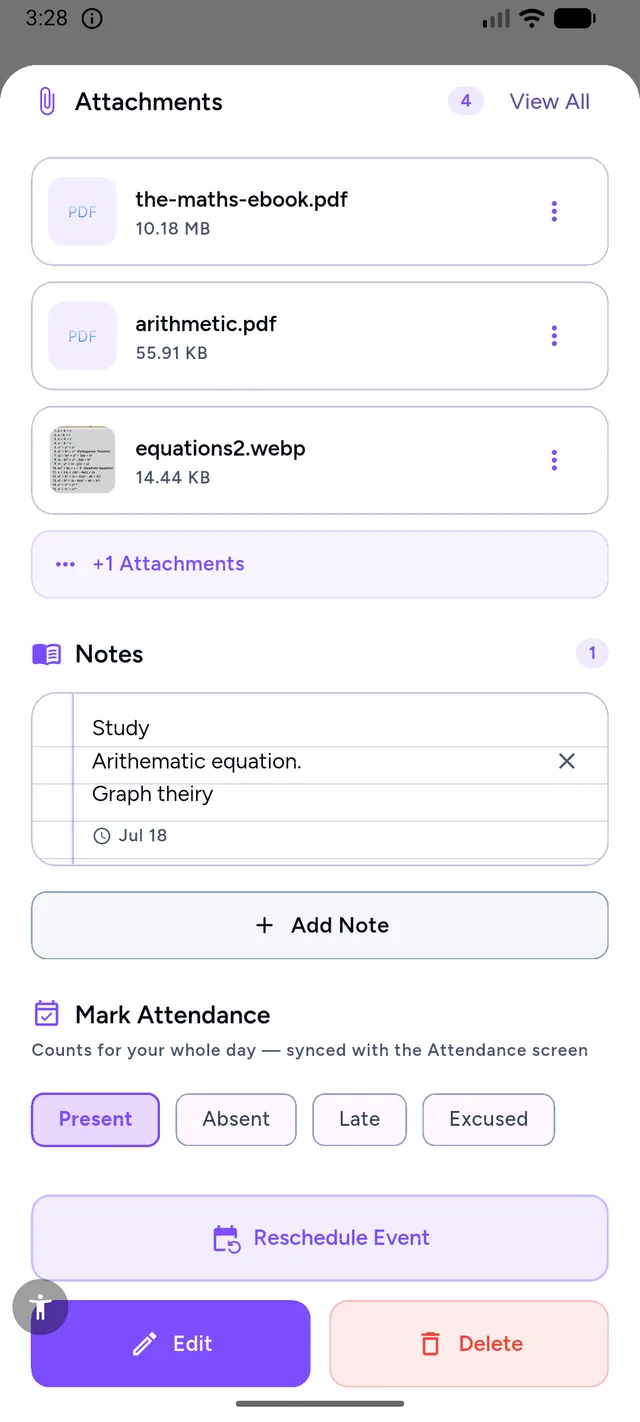
A timetable that fits your school week
Choose a school schedule app around your actual lesson pattern, not just a standard Monday-to-Friday grid:
- Keep multiple timetables and choose a default when your semester changes
- Set period times per day — Wednesday's shorter lessons need not match Monday's
- Add rooms, teachers and class reminders so you know where to go next
- See lessons alongside homework and exams in the agenda before planning study time
Good to know
School schedule and timetable questions
What should a school schedule app support?
Look for your school's actual weekly or rotating timetable, different period times, rooms and teachers, and a view of upcoming homework and exams. Check your devices and any paid features before entering a full term.
Does StudyWillow support A/B or rotating schedules?
Yes. Alternating A/B weeks and numbered day cycles, such as 6- or 8-day rotations, are built in. Set up your lessons and check the rotation against the timetable supplied by your school.
Can I use the school timetable in a browser?
Yes. The StudyWillow web app lets you plan your class schedule online. Sign in with the same account on iPhone, iPad or Mac to use your planner across devices; the native Android app is coming soon.
Can I store rooms and teachers per class?
Yes. Each lesson stores its room, teacher and notes, and can differ per day — Tuesday's lesson in Lab 2, Thursday's in Room 14.
Are there timetable widgets?
Yes. StudyWillow Pro includes iPhone home-screen widgets for today's schedule and your next class. Widgets are a native-app feature, separate from the browser planner; the Android app is coming soon.
What happens during school holidays?
Add your holiday periods to pause classes and their reminders during breaks. Before term resumes, check that the next scheduled week or day matches your school's calendar.
Try StudyWillow free
Timetable, homework, grades, attendance and focus — one planner that does the whole job. Free to start, on iPhone, iPad, Mac and the web — Android coming soon.
Explore more of StudyWillow
Still choosing an app for your school schedule? See our comparison of school planner apps for A/B weeks, homework and cross-device planning.