New
AI Scan
Photograph any timetable, task sheet or exam schedule — AI turns it into real classes, tasks and exams.
The school planner, reimagined — now with AI Scan
Plan your class schedule, homework and exams in one student planner. Track grades, attendance and focus sessions on iPhone, iPad, Mac or in your browser — free to start.
StudyWillow AI New
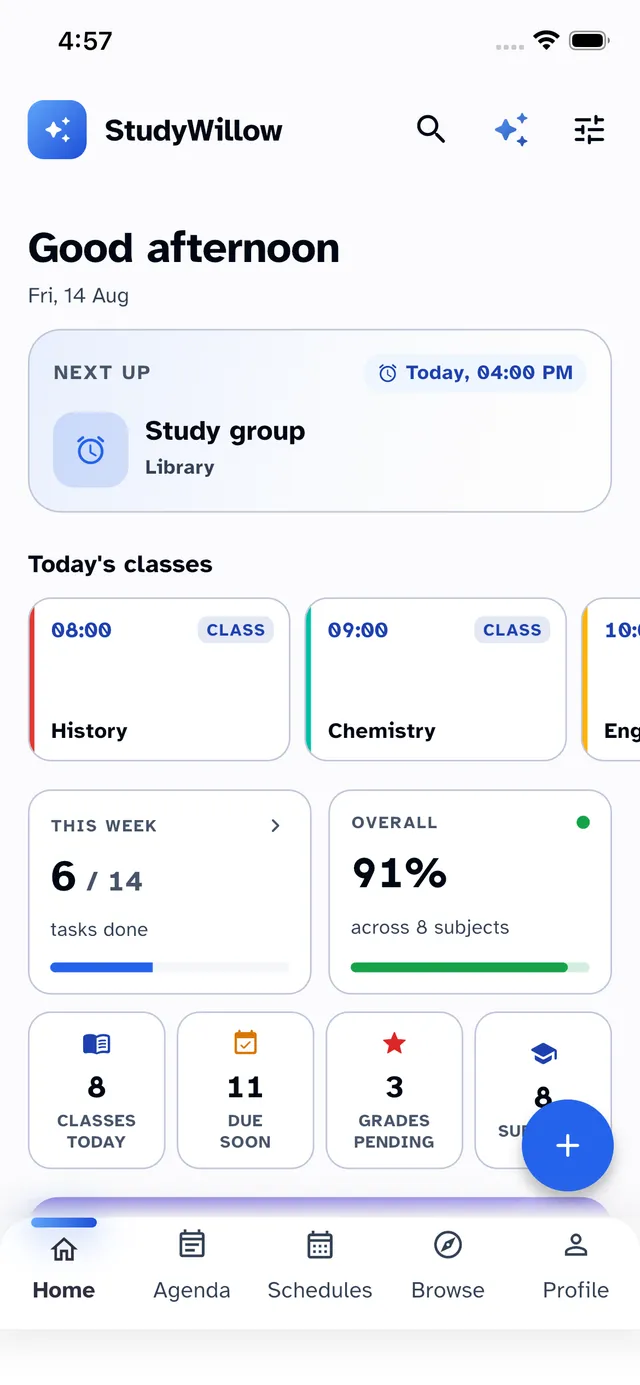
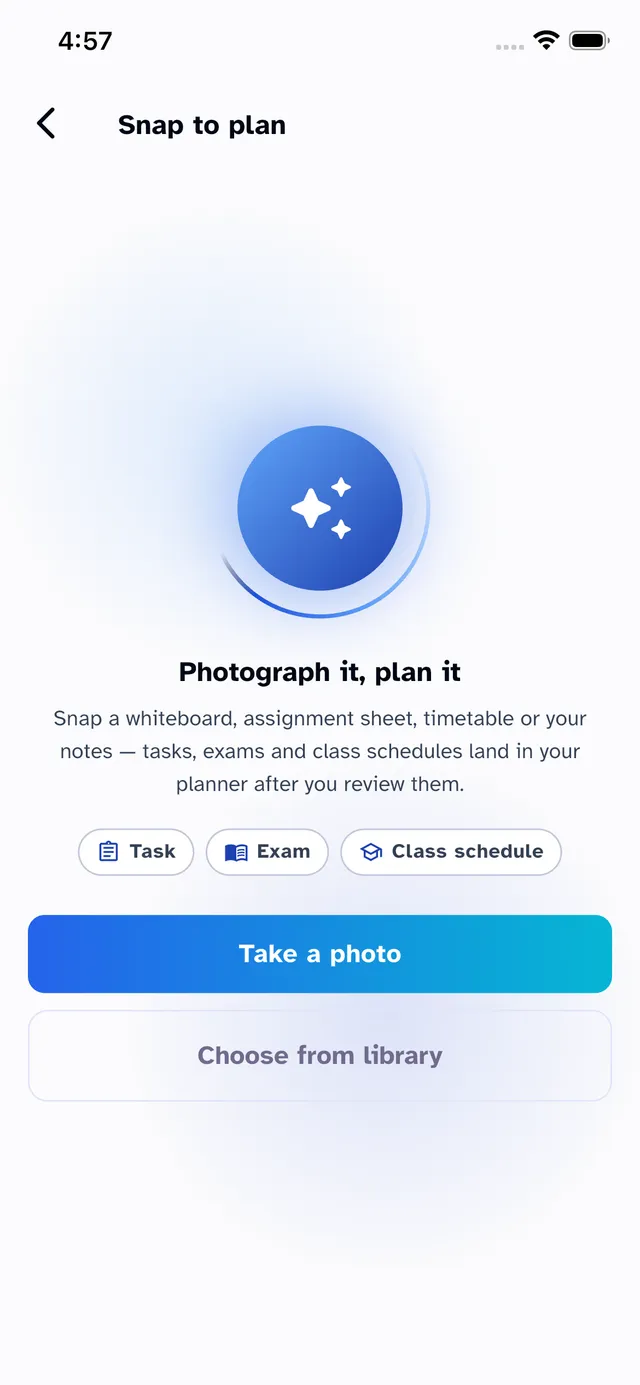
Snap your paper timetable, a homework sheet or an exam schedule — StudyWillow reads it, builds the classes, tasks and exams, and you approve before anything lands in your planner.
01
Photograph the timetable on the classroom wall or the exam sheet from the teacher.
02
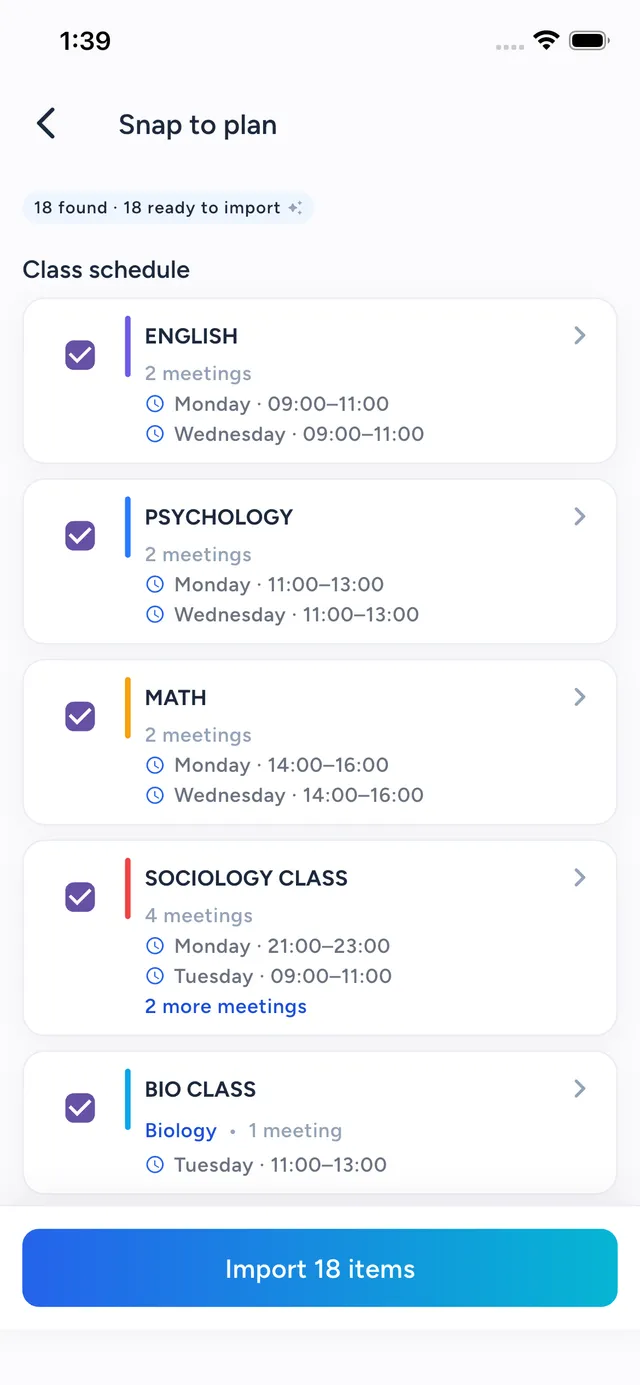
AI extracts every class, task and exam — you check, edit and choose what to keep.
03
Classes land on your schedule, tasks and exams on your agenda. Subjects create themselves.
Hands-free
Add tasks, check what’s due, start a focus session or mark attendance by voice — on iPhone and Mac.
AI Scan and voice are live in the latest update on iPhone and Mac. Everything on this page is available today.
Everything you need
Planner, gradebook, attendance log, focus timer and notepad — designed to work together, beautifully.
Photograph any timetable, task sheet or exam schedule — AI turns it into real classes, tasks and exams.
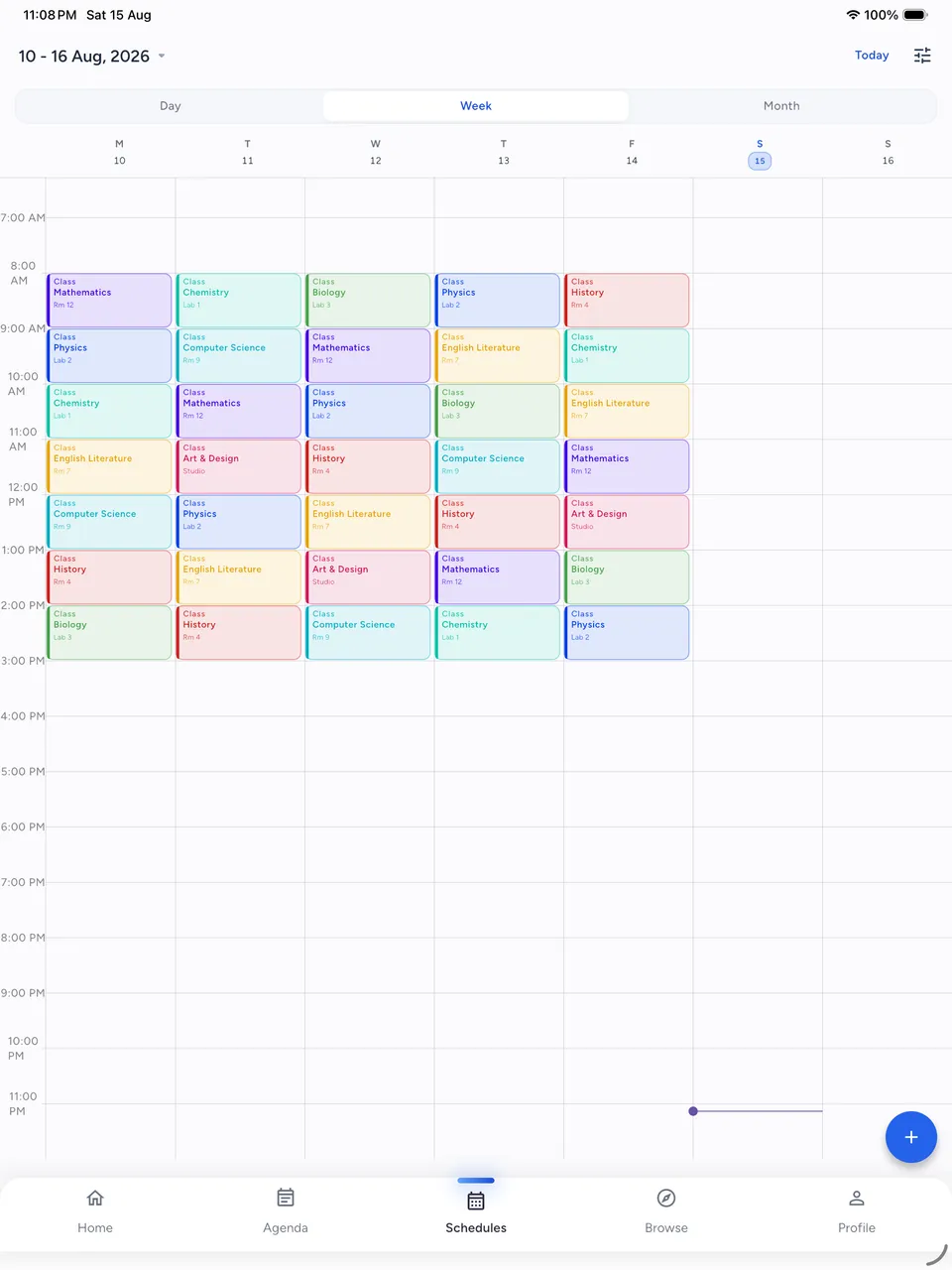
Weekly, rotating or numbered schedules with color-coded subjects — your day at a glance.
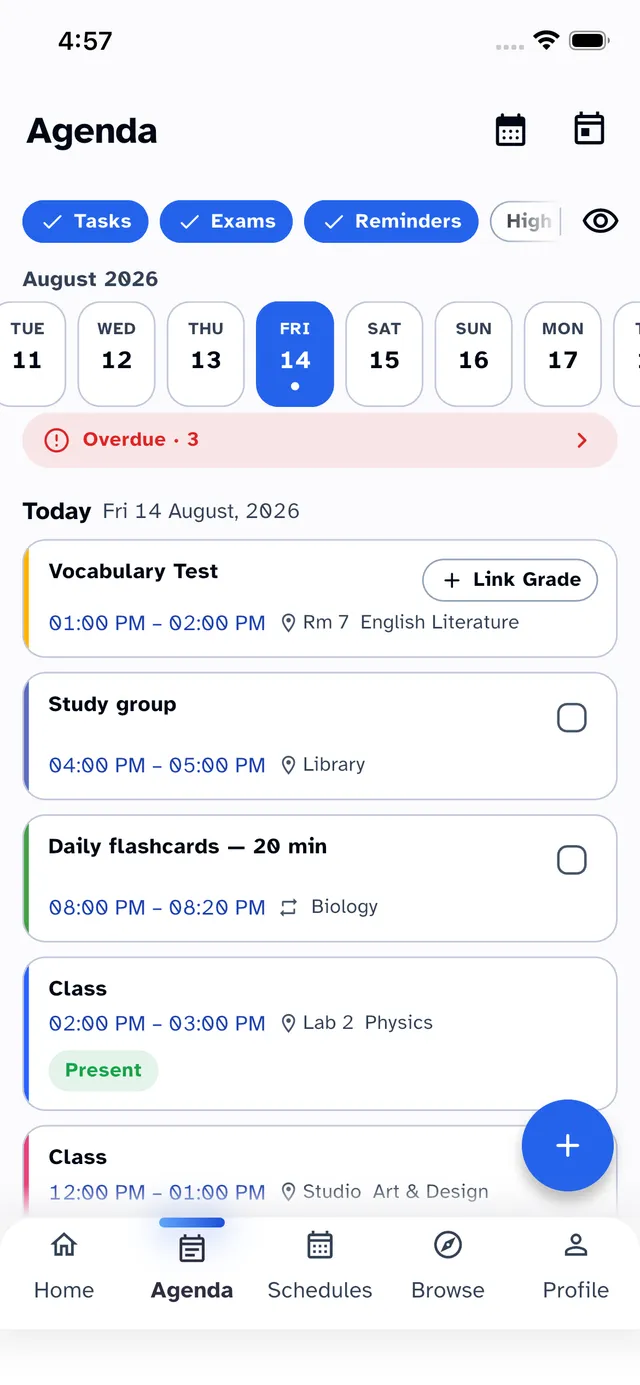
Deadlines, checklists and reminders that make sure nothing slips through the cracks.
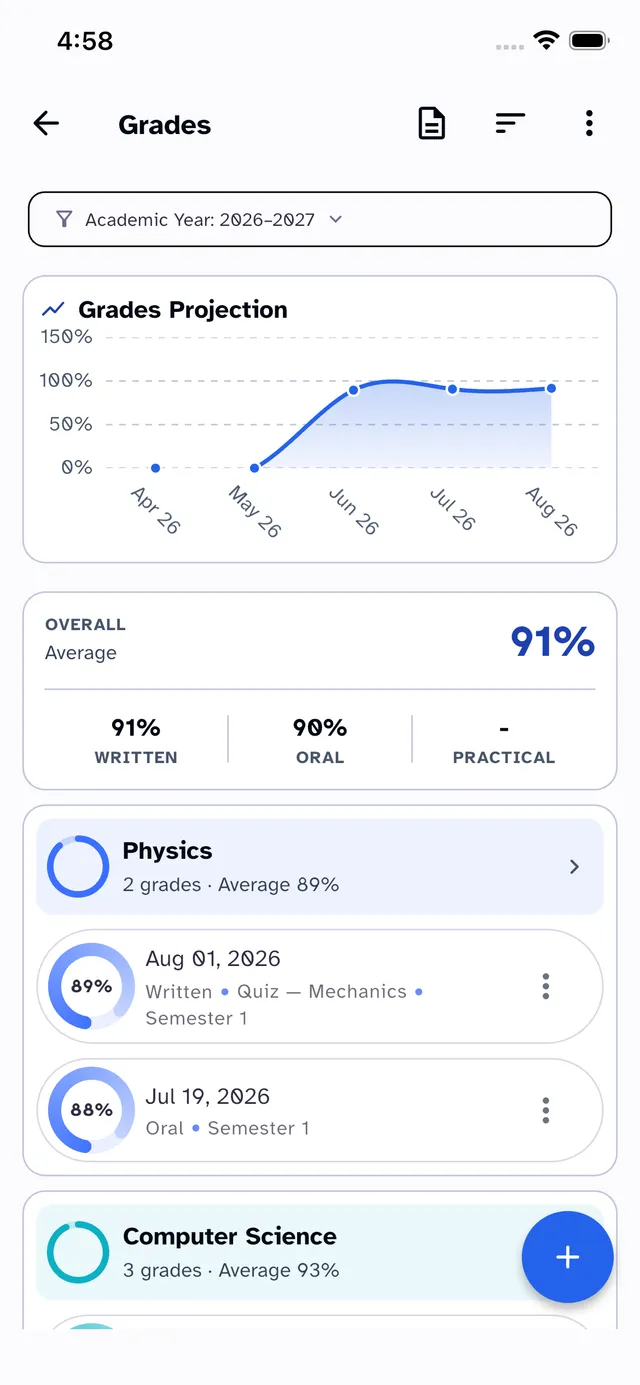
Track every exam, quiz and assignment. Watch your GPA update in real time, term by term.
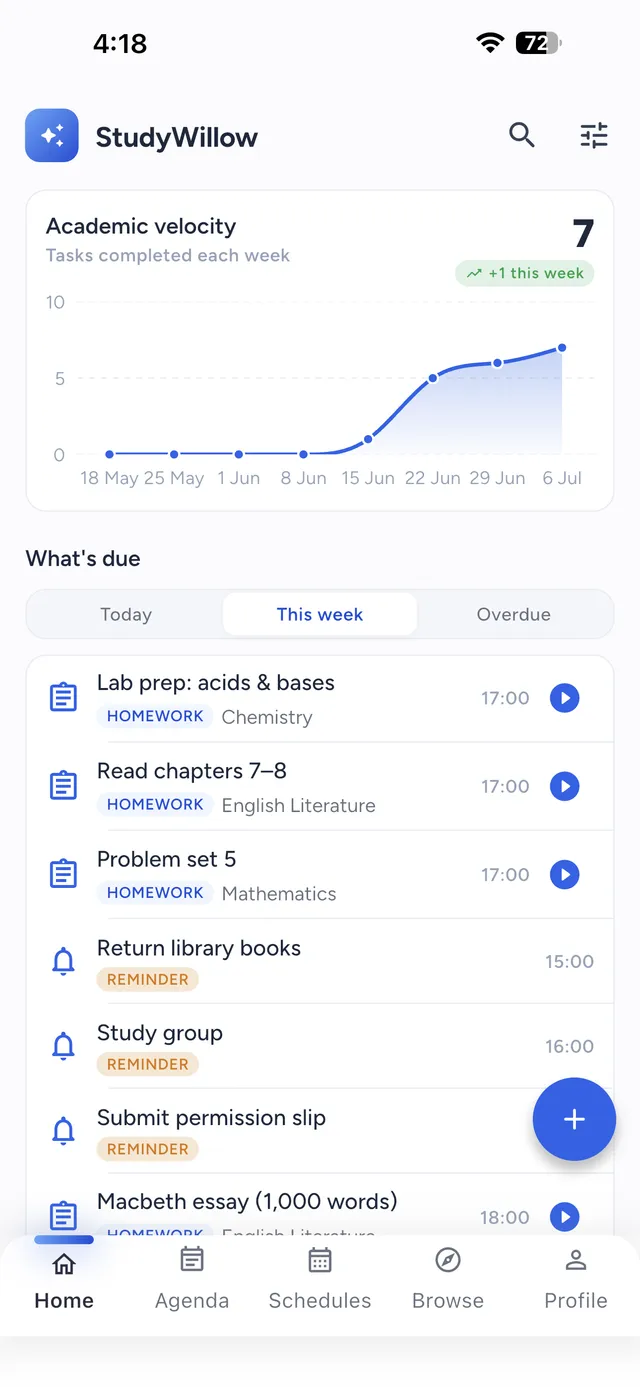
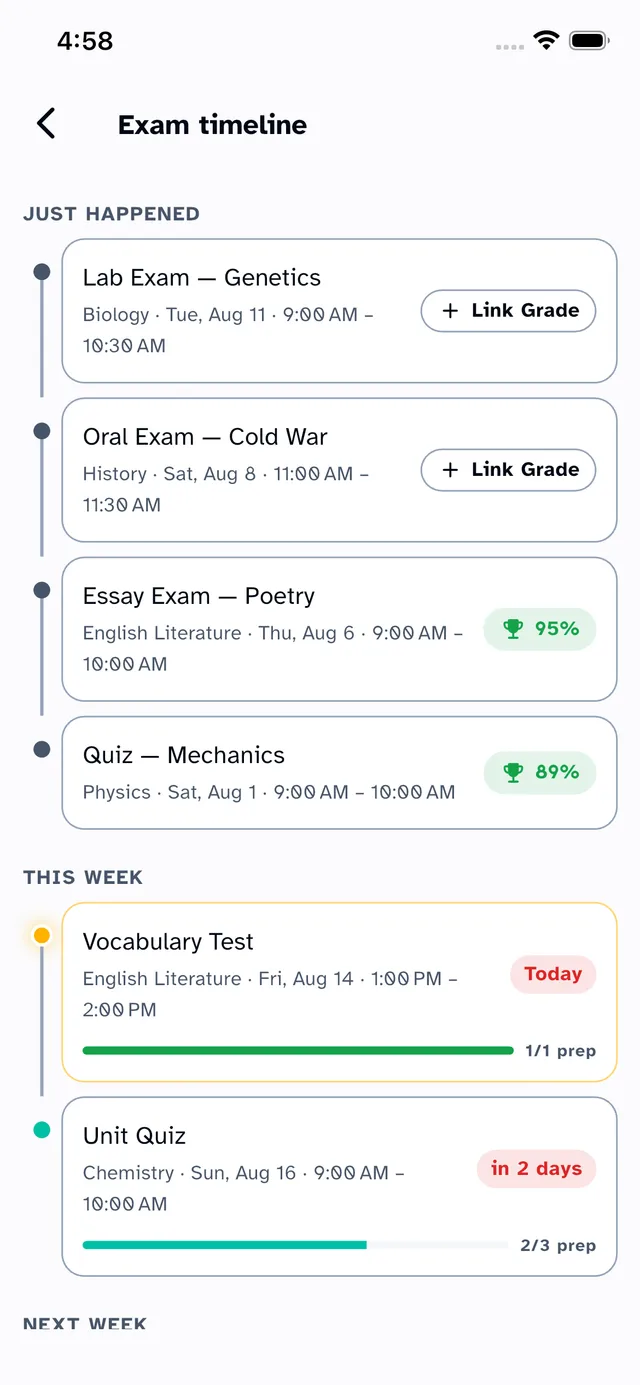
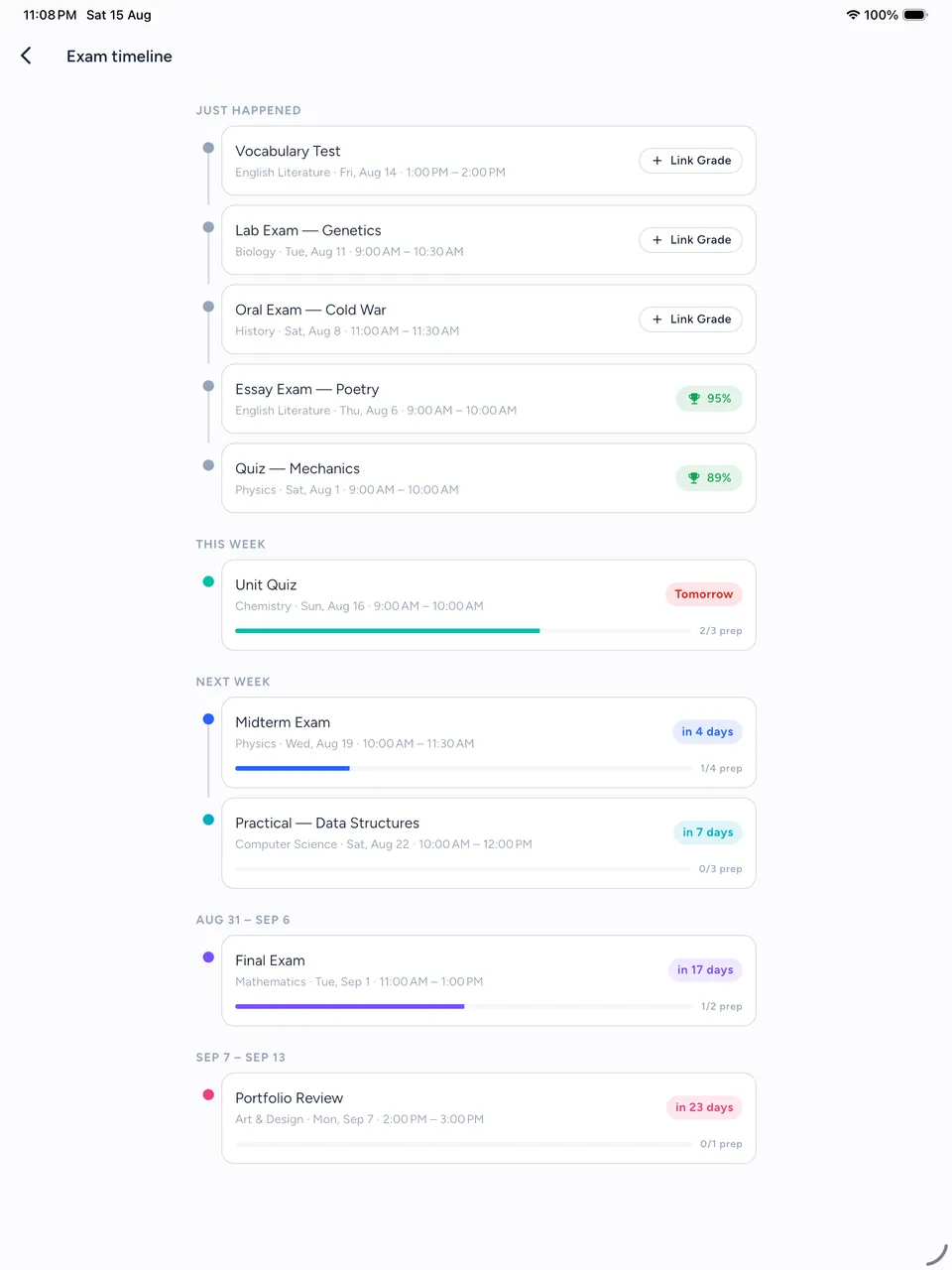
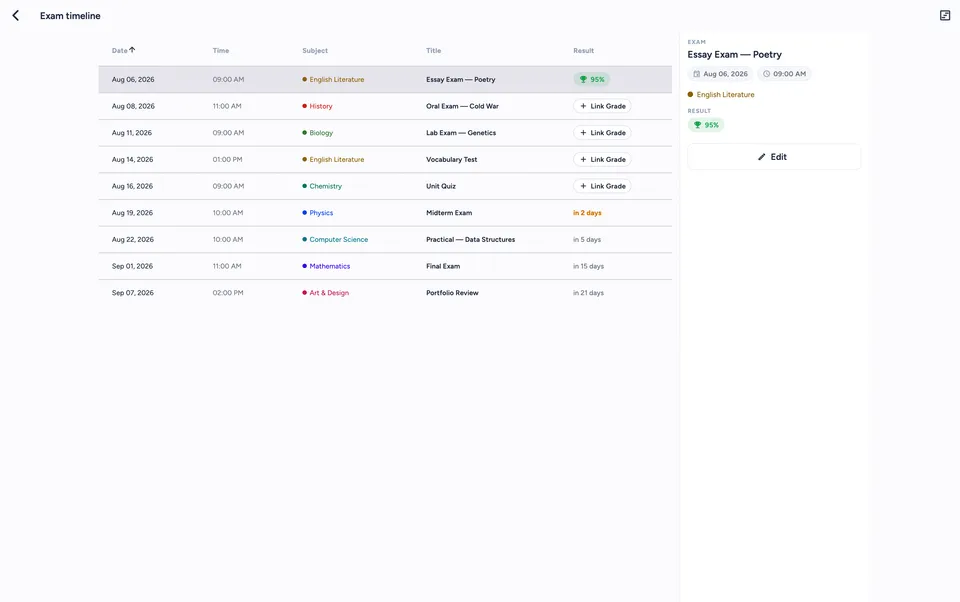
What just happened, what’s due this week and how ready you are — every exam on one timeline.
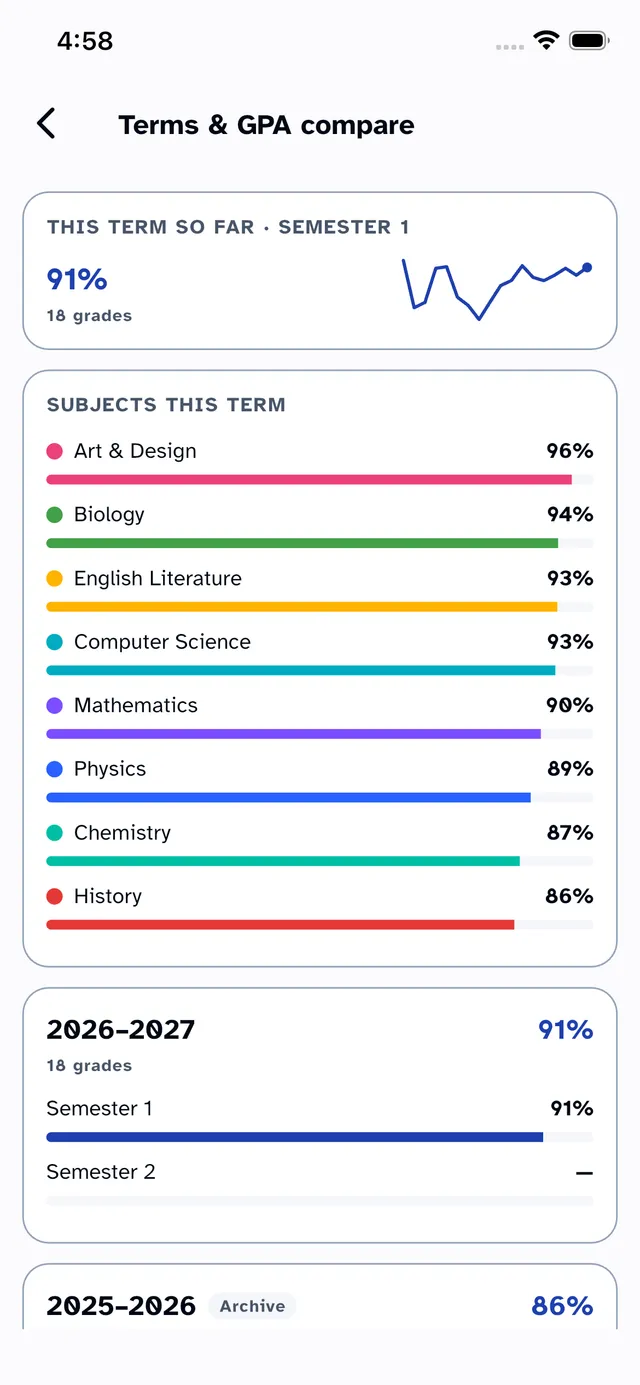
Every term’s average side by side, year over year — watch the trend, not just the number.
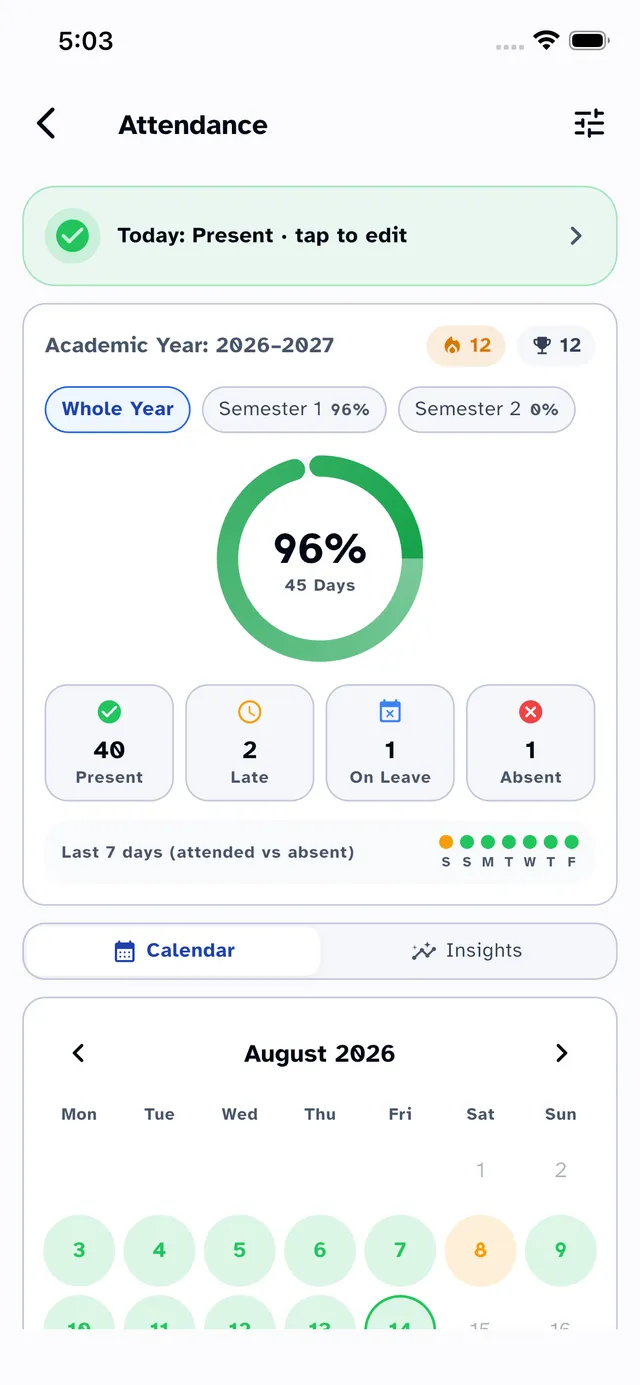
One-tap check-ins, streaks and a “can I skip?” planner backed by real analytics.
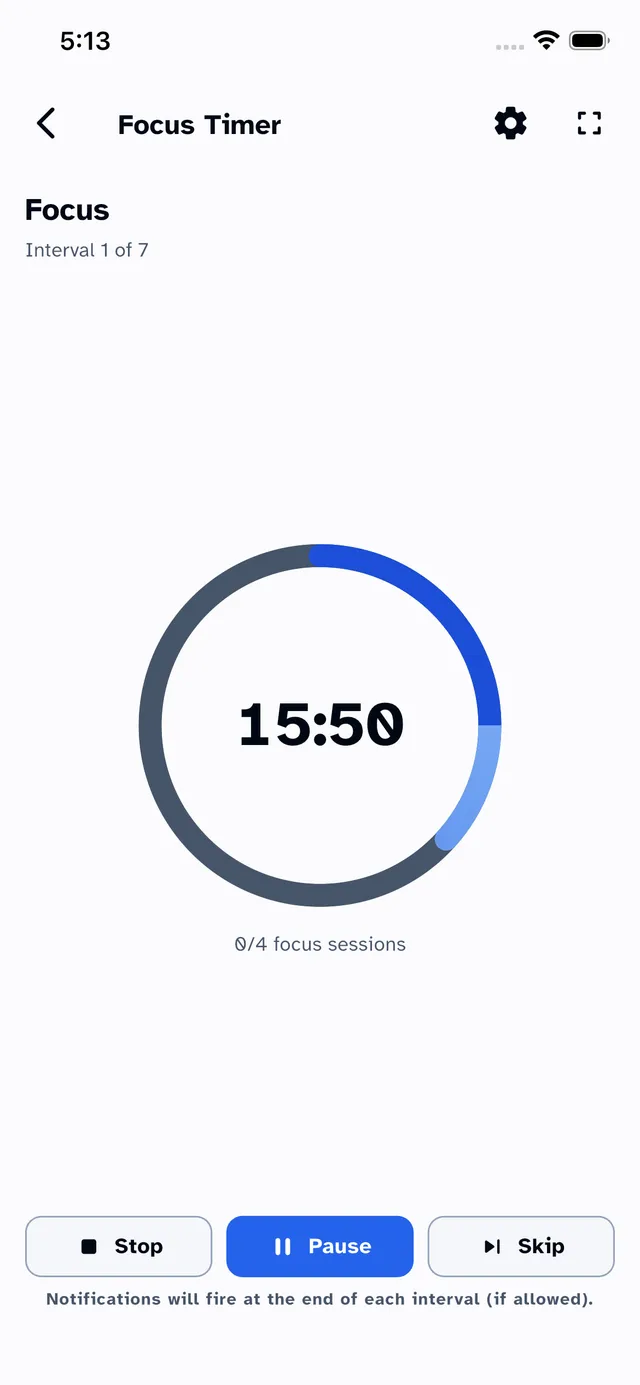
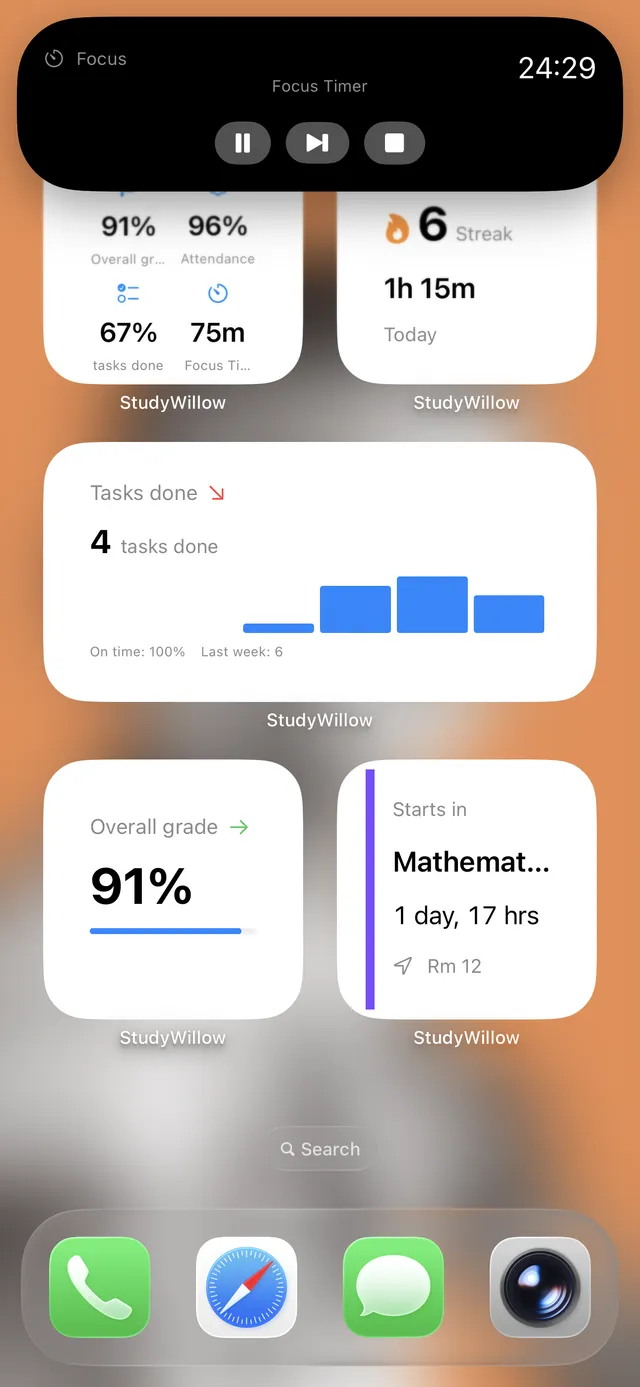
Pomodoro-style sessions with Live Activities in the Dynamic Island and Picture-in-Picture.
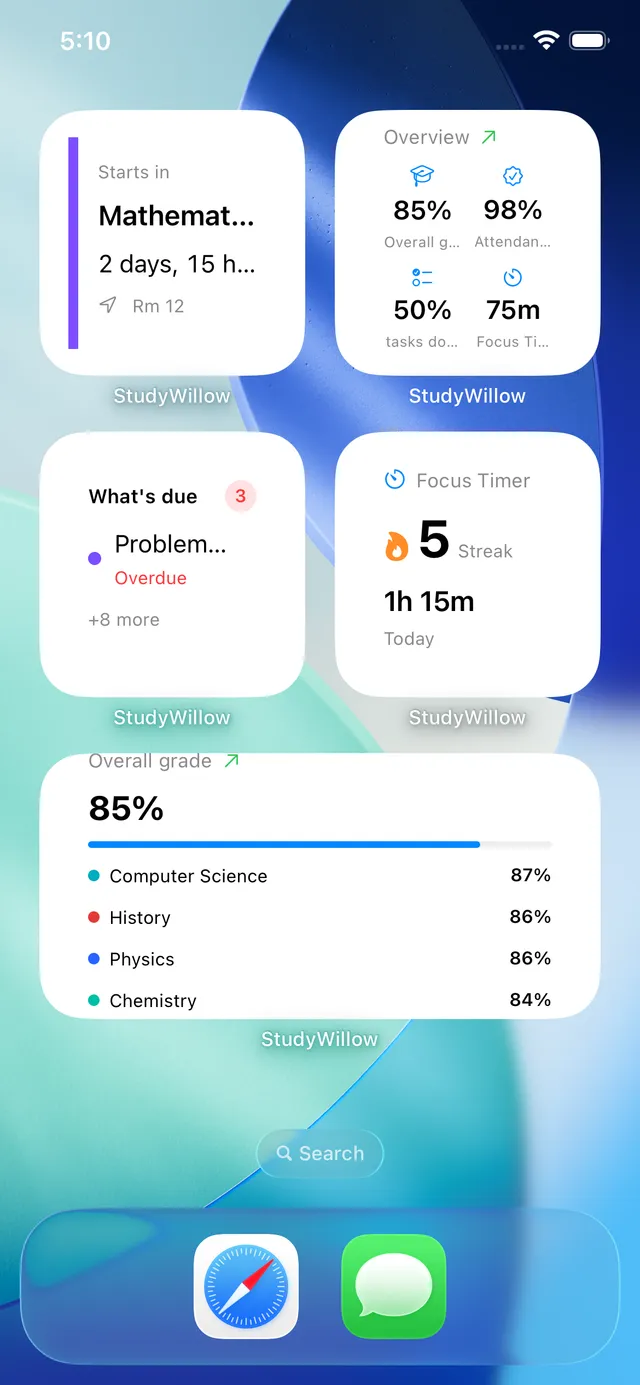
What’s due, next class, grades and focus stats — right on your home screen, iOS & Android.
A tour of the app
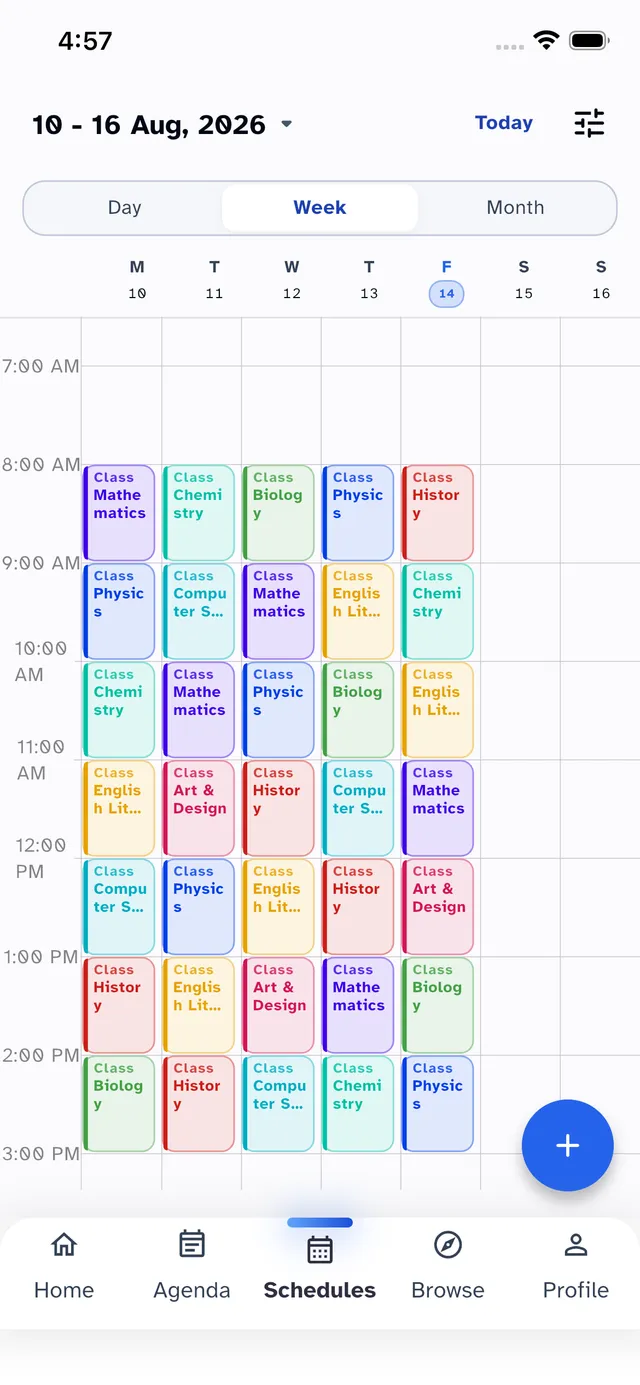
Bigger screens welcome
The full planner — packed week grid, exam timeline and today view — designed for the big screen, not stretched to it.
The desktop app
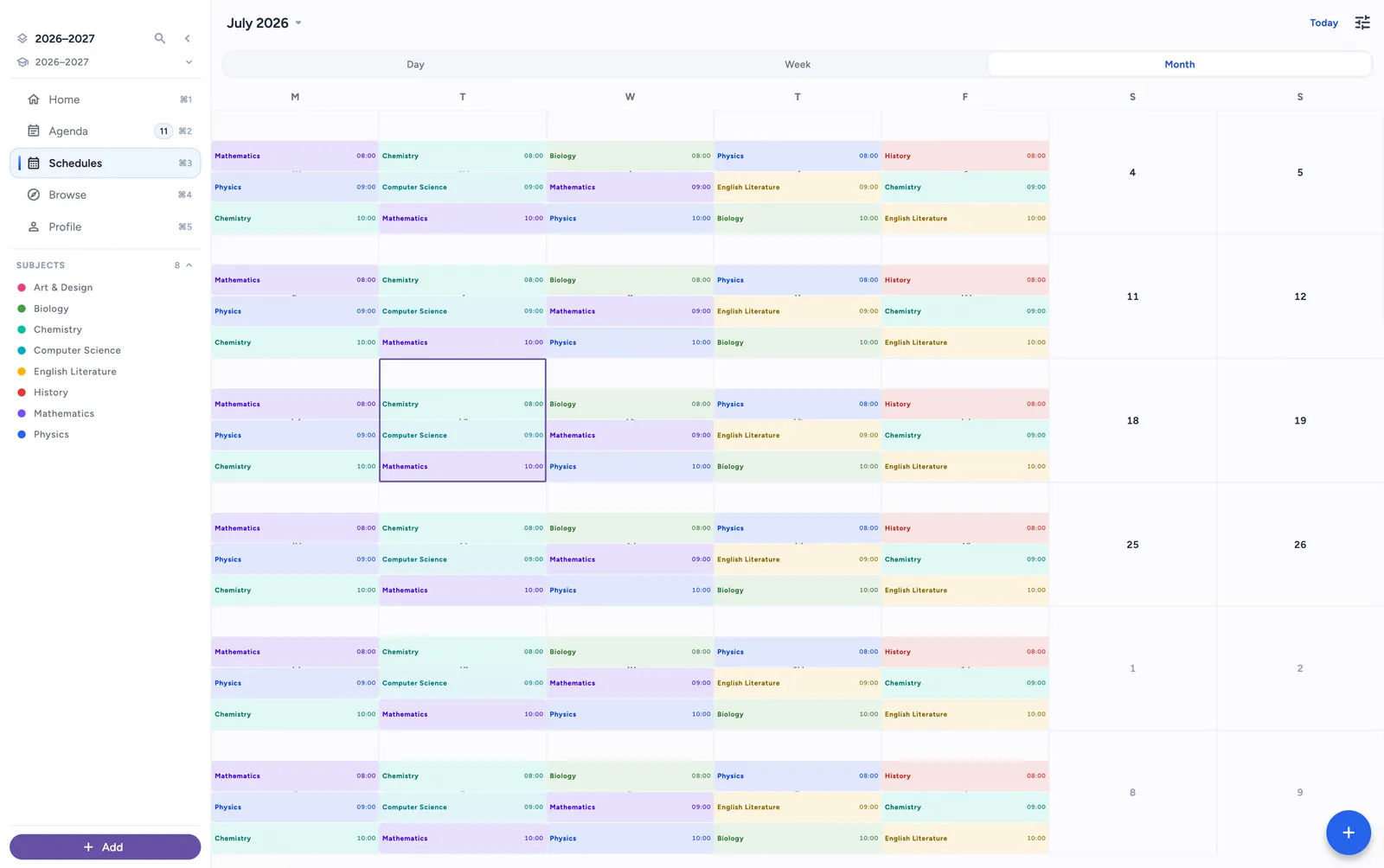
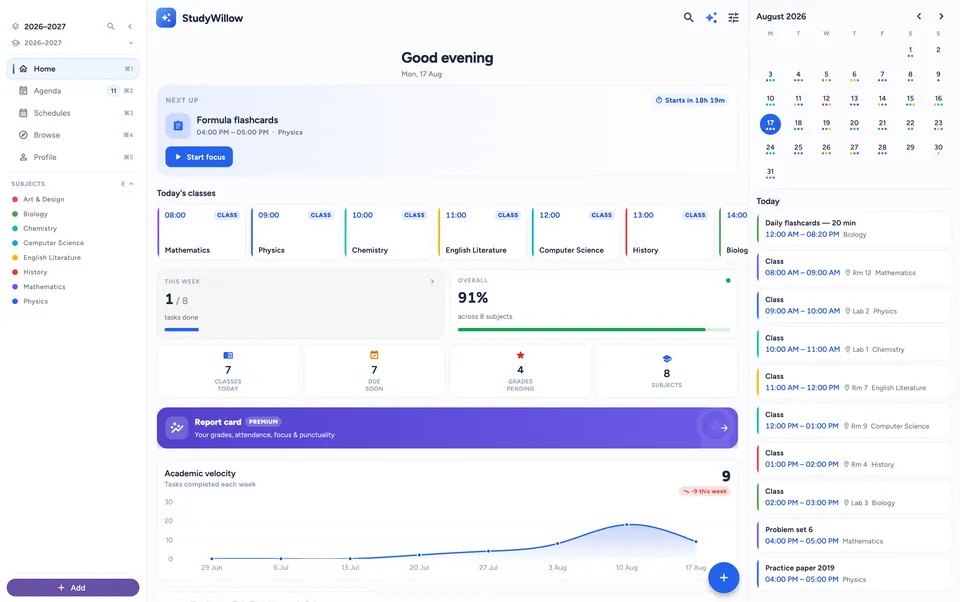
Not a website in a window — the native planner on macOS, with the same synced data, Siri support and your whole week on one screen.
Stay in the zone
Start a session and the countdown follows you — in the Dynamic Island on iPhone, as a floating Picture-in-Picture window on Android. Custom sounds, vibrations and smart break intervals keep the momentum going.
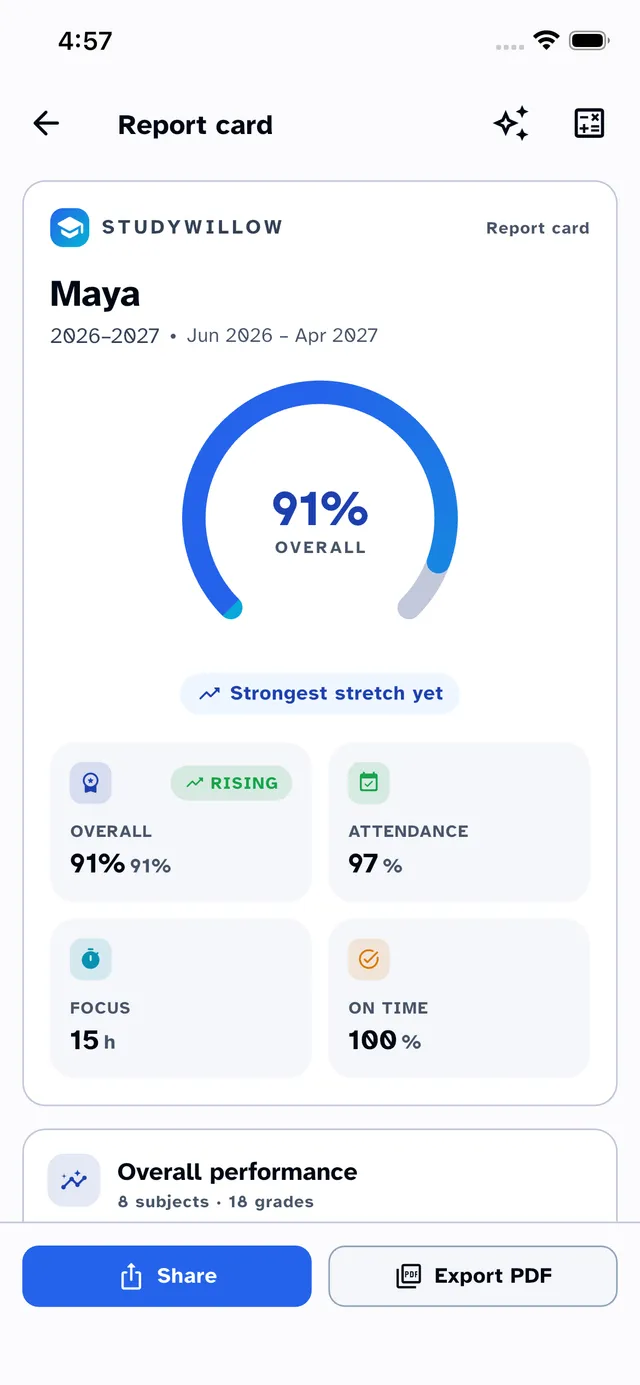
Know where you stand
Log exams, quizzes and homework once — StudyWillow calculates weighted grades, term averages and your GPA automatically, with beautiful report cards you can export any time.
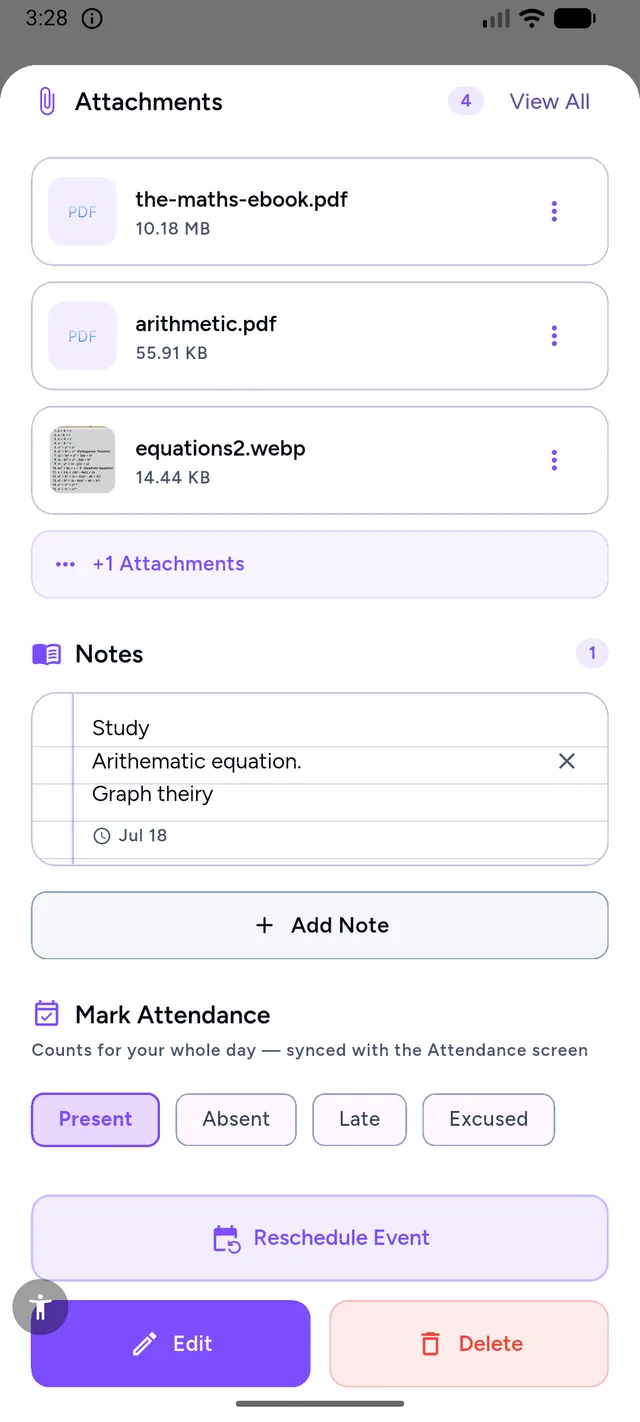
Everything attached
Attach worksheets, whiteboard photos, links and document scans to any class or event. When it’s time to study, everything is already in the right place — synced across your devices.
StudyWillow Pro
Free gets you organized. Pro removes every limit and unlocks the power tools — with monthly, annual and one-time lifetime plans.
Unlock Pro in the appFAQ
Yes. The core planner — timetable, homework, grades and attendance — is free. StudyWillow Pro unlocks unlimited entries and power features like attachments, advanced analytics and smart alerts.
StudyWillow is on iPhone, Mac and the web today, with Android coming soon. Home-screen widgets are built in, and your data syncs across devices with your account.
Absolutely. StudyWillow supports weekly, numbered and rotating timetables, so it fits schools with A/B days, multi-week rotations and everything in between.
Your data belongs to you. It is stored securely, never sold, and you can delete your account and data at any time. See our Privacy Policy for the full details.
The app is fully localized in English, Spanish, Arabic, French and German — including right-to-left layout and Arabic-Indic numerals.
Choosing between a school agenda app, an online planner and a calendar? Compare devices, timetable support and free versus paid features, then build a planning routine you can keep.
Join students who plan smarter, focus deeper and never miss a deadline. StudyWillow is available on iPhone, Mac and the web — the Android app is coming soon.
Scan with your phone — it opens the right store for your device. Click to magnify.